
Table of Contents
Troubleshooting is fastest when symptoms are separated into flow, temperature, calculation and communication branches before any settings or hardware are changed. For heat meter troubleshooting, begin with “Capture the Symptom and Baseline” and then “Investigate Zero Energy.” Together, “Capture the Symptom and Baseline” and “Investigate Zero Energy” define the heat meter troubleshooting evidence needed before “Resolve Negative Energy or Temperature Difference.”
After “Resolve Negative Energy or Temperature Difference,” the heat meter troubleshooting workflow continues to “Diagnose Unstable Flow” and ends at “Close the Fault With a Verification Run.” The move from “Resolve Negative Energy or Temperature Difference” to “Close the Fault With a Verification Run” explains the heat meter troubleshooting logic behind this H1.
Capture the Symptom and Baseline
Record display values, status codes, operating state, recent work and remote data. Screenshots and photographs preserve evidence that may disappear after a restart. Treat “Capture the Symptom and Baseline” as a complete heat meter troubleshooting decision. Recheck “Capture the Symptom and Baseline” against heat meter troubleshooting pipework, controls, interfaces and service access.
- Verify record display values.
- Document recent work and remote data.
- Compare screenshots and photographs preserve evidence that may disappear after a restart.
Investigate Zero Energy
Check whether flow is present, temperature difference is meaningful and the calculator is accumulating. A closed valve or zero load can be a valid result. Change one “Investigate Zero Energy” variable at a time during heat meter troubleshooting diagnosis. The “Investigate Zero Energy” baseline separates “Investigate Zero Energy” hardware, process and installation causes.
- Verify check whether flow is present.
- Document temperature difference is meaningful and the calculator is accumulating.
- Compare a closed valve or zero load can be a valid result.
Resolve Negative Energy or Temperature Difference
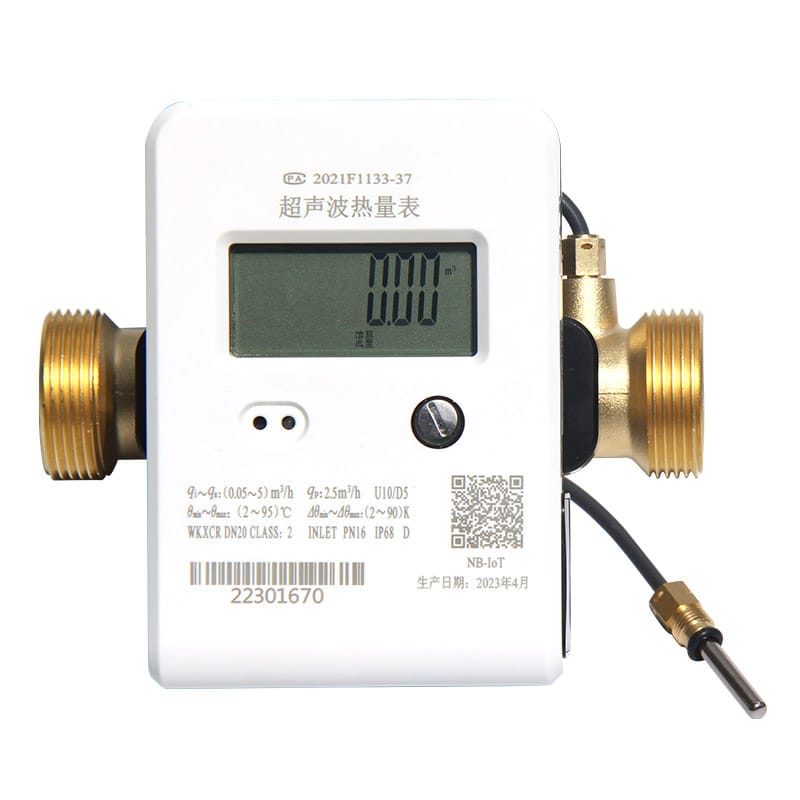
Trace supply and return sensors, flow direction and heating/cooling mode. Do not swap terminals until circuit identity is confirmed physically. Close “Resolve Negative Energy or Temperature Difference” with a named heat meter troubleshooting owner. For “Resolve Negative Energy or Temperature Difference,” keep its photographs, configuration export and “Resolve Negative Energy or Temperature Difference” comparison readings.
- Verify trace supply and return sensors.
- Document flow direction and heating/cooling mode.
- Compare do not swap terminals until circuit identity is confirmed physically.
Diagnose Unstable Flow
Look for air, partially closed valves, pump cycling, poor straight run and rapidly changing demand. Compare local diagnostics with process behavior. For “Diagnose Unstable Flow,” the heat meter troubleshooting team ties assumptions to field evidence. Its “Diagnose Unstable Flow” record names the source, unit and “Diagnose Unstable Flow” exception owner.
- Verify partially closed valves.
- Document poor straight run and rapidly changing demand.
- Compare compare local diagnostics with process behavior.
Check Sensor Faults
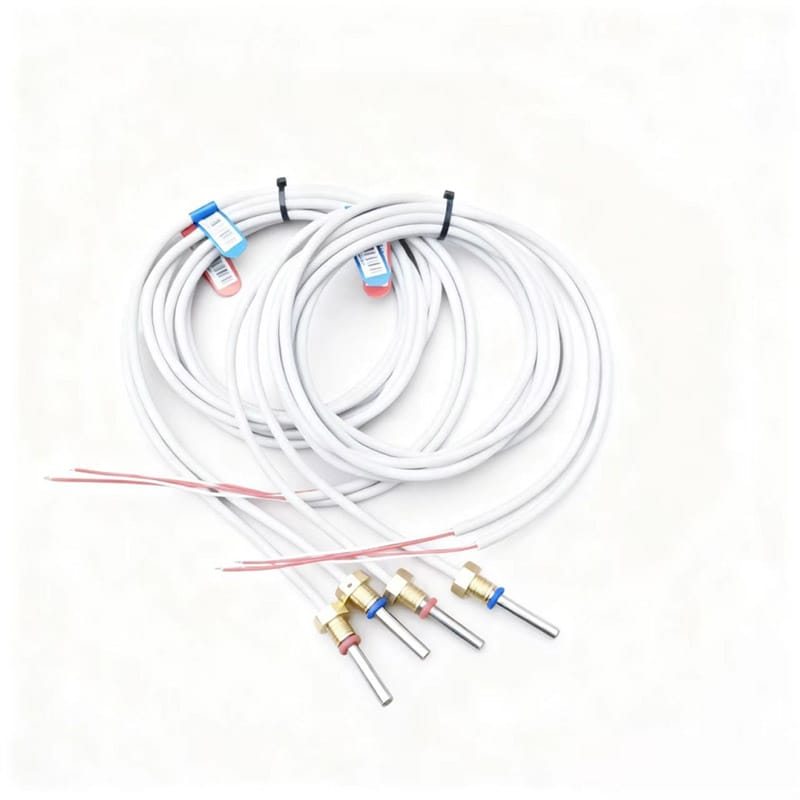
Inspect pair identity, resistance or diagnostic status, cable damage, terminals, pockets and thermal contact. Replace only after isolating wiring from sensor failure. Use drawings and measurements to complete “Check Sensor Faults” in heat meter troubleshooting. A written “Check Sensor Faults” decision keeps installation and operations aligned.
- Verify inspect pair identity.
- Document resistance or diagnostic status.
- Compare pockets and thermal contact.
- Confirm replace only after isolating wiring from sensor failure.
Trace Communication Problems by Layer
Verify local operation first, then bus voltage, addressing, telegram response, gateway mapping and application status. A plausible “Trace Communication Problems by Layer” result can hide a heat meter troubleshooting error. Store “Trace Communication Problems by Layer” limits, test conditions and exception ownership.
- Verify verify local operation first.
- Document then bus voltage.
- Compare telegram response.
- Confirm gateway mapping and application status.
Use Totals to Test Intermittent Complaints
Compare energy and volume increments over a controlled period. Totals can reveal whether a fluctuating instantaneous display is materially affecting measurement. Share “Use Totals to Test Intermittent Complaints” evidence with the heat meter troubleshooting stakeholders. If “Use Totals to Test Intermittent Complaints” misses its basis, revise the “Use Totals to Test Intermittent Complaints” selection and record why.
- Verify compare energy and volume increments over a controlled period.
- Document totals can reveal whether a fluctuating instantaneous display is materially affecting measurement.
Close the Fault With a Verification Run
Repeat the failed condition, record corrective action and compare before-and-after evidence. Update drawings or configuration records when the cause was documentation. Give “Close the Fault With a Verification Run” a dedicated heat meter troubleshooting acceptance test. Preserve “Close the Fault With a Verification Run” values and diagnostics for a repeatable “Close the Fault With a Verification Run” check.
- Verify repeat the failed condition.
- Document record corrective action and compare before-and-after evidence.
- Compare update drawings or configuration records when the cause was documentation.
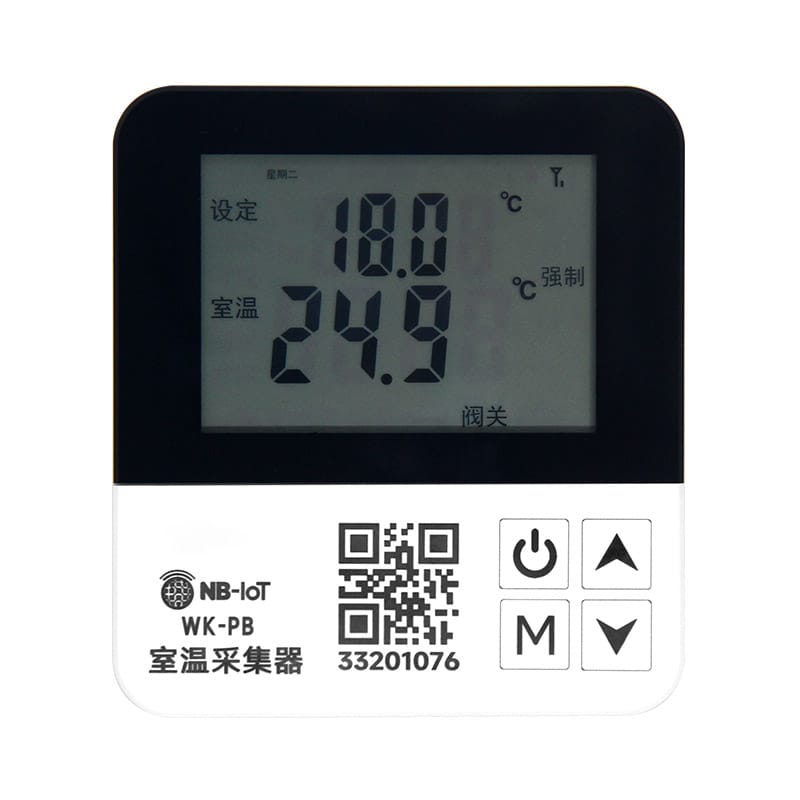
Capture the Symptom and Baseline Decision Table
| Decision | Evidence | Release condition |
|---|---|---|
| Capture the Symptom and Baseline | Record display values, status codes, operating state, recent work and remote data | Release “Capture the Symptom and Baseline” only after its heat meter troubleshooting evidence is accepted |
| Investigate Zero Energy | Check whether flow is present, temperature difference is meaningful and the calculator is accumulating | Release “Investigate Zero Energy” only after its heat meter troubleshooting evidence is accepted |
| Resolve Negative Energy or Temperature Difference | Trace supply and return sensors, flow direction and heating/cooling mode | Release “Resolve Negative Energy or Temperature Difference” only after its heat meter troubleshooting evidence is accepted |
| Diagnose Unstable Flow | Look for air, partially closed valves, pump cycling, poor straight run and rapidly changing demand | Release “Diagnose Unstable Flow” only after its heat meter troubleshooting evidence is accepted |
| Check Sensor Faults | Inspect pair identity, resistance or diagnostic status, cable damage, terminals, pockets and thermal contact | Release “Check Sensor Faults” only after its heat meter troubleshooting evidence is accepted |
Five Questions About “Close the Fault With a Verification Run”
Which “Capture the Symptom and Baseline” check comes first for heat meter troubleshooting?
Record display values, status codes, operating state, recent work and remote data. Screenshots and photographs preserve evidence that may disappear after a restart.
Why does investigate zero energy affect heat meter troubleshooting?
Check whether flow is present, temperature difference is meaningful and the calculator is accumulating. A closed valve or zero load can be a valid result.
How should use totals to test intermittent complaints be verified?
Compare energy and volume increments over a controlled period. Totals can reveal whether a fluctuating instantaneous display is materially affecting measurement.
When must the heat meter troubleshooting basis be reviewed?
Review heat meter troubleshooting when inputs to “Capture the Symptom and Baseline,” “Diagnose Unstable Flow” or “Use Totals to Test Intermittent Complaints” change.
Which details support “Investigate Zero Energy” in heat meter troubleshooting?
For heat meter troubleshooting, provide the inputs for “Capture the Symptom and Baseline,” the constraints from “Investigate Zero Energy” and the evidence expected under “Use Totals to Test Intermittent Complaints.”
Before approving “Capture the Symptom and Baseline,” revisit its project assumptions. Record display values, status codes, operating state, recent work and remote data. Screenshots and photographs preserve evidence that may disappear after a restart. Record the resulting “Capture the Symptom and Baseline” decision and any site-specific “Capture the Symptom and Baseline” exception.
Before approving “Investigate Zero Energy,” revisit its project assumptions. Check whether flow is present, temperature difference is meaningful and the calculator is accumulating. A closed valve or zero load can be a valid result. Record the resulting “Investigate Zero Energy” decision and any site-specific “Investigate Zero Energy” exception.
Before approving “Resolve Negative Energy or Temperature Difference,” revisit its project assumptions. Trace supply and return sensors, flow direction and heating/cooling mode. Do not swap terminals until circuit identity is confirmed physically. Record the resulting “Resolve Negative Energy or Temperature Difference” decision and any site-specific “Resolve Negative Energy or Temperature Difference” exception.
Technical references for “Capture the Symptom and Baseline” include ISO 50001 for “Capture the Symptom and Baseline”, OIML R 75 for “Investigate Zero Energy”, EU Measuring Instruments Directive for “Resolve Negative Energy or Temperature Difference”, CEN-CENELEC for “Diagnose Unstable Flow”. The project specification should name the applicable edition and local rules.
Dingjia options supporting “Investigate Zero Energy” include the heat-meter base pipe for “Capture the Symptom and Baseline”, household heat meter for “Investigate Zero Energy”, pipeline heat meter for “Resolve Negative Energy or Temperature Difference”, matched temperature sensors for “Diagnose Unstable Flow”. For “Investigate Zero Energy,” send operating conditions and interface requirements to the engineering team before selection. The inquiry should also assign responsibility for “Check Sensor Faults” and “Trace Communication Problems by Layer.”